How to measure jewelry casting hole sizes (1–10 mm) for diamond setting
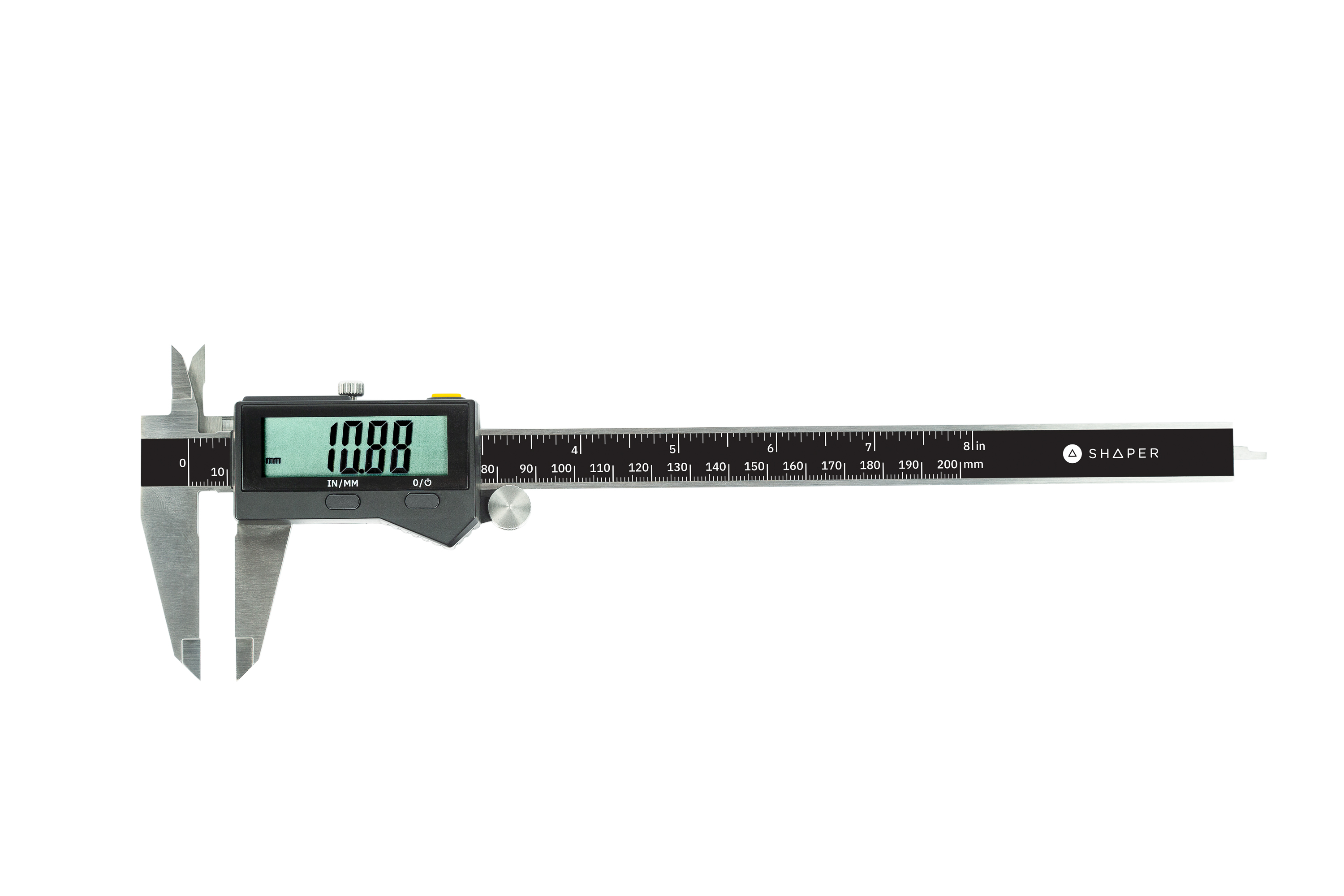
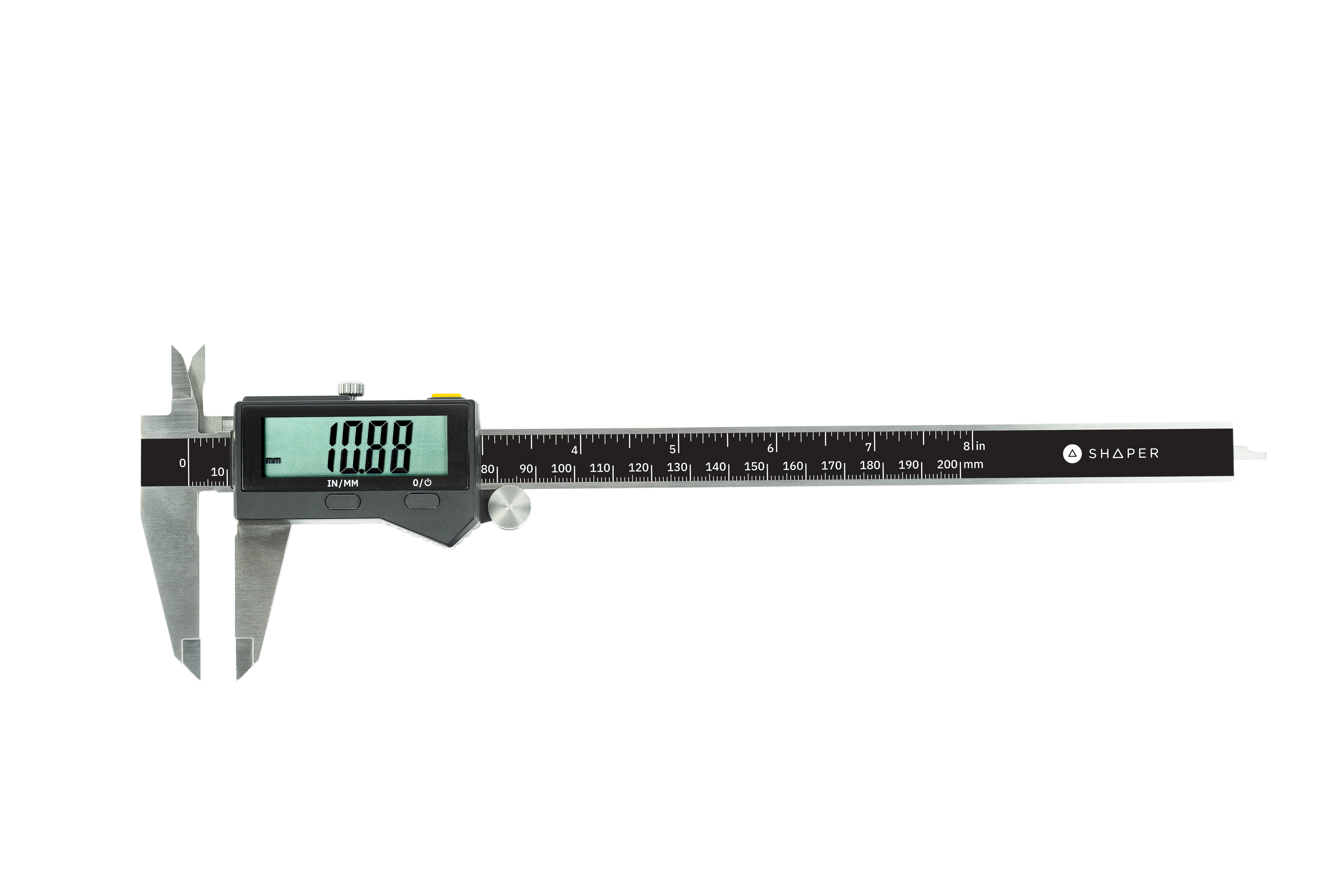
Shaper Tools SY1-CC1 Connected Caliper
I want to use this product to measure the hole size in a piece of jewelry casting that has many small holes to be filled with diamonds I have to figure out the mot the hole to insert the diamond that is from 1 mm and up to 10 mm.
Status:
Open Apr 08, 2025 - 01:07 AM
1answer
Answer
Nov 06, 2025 - 12:26 PM
To measure a jewelry casting with the Shaper Connected Caliper, you first connect it to a Bluetooth device like a Shaper Origin or tablet, and ensure it's zeroed. Then, you use the appropriate jaws or depth stop to measure the casting's external or internal dimensions and, finally, press the yellow button to send the precise measurement to your connected device for use in design software or a spreadsheet.
View More Product Details
Shaper Tools SY1-CC1 Connected Caliper
Send precise measurements to Origin and other Bluetooth® devices with the push of a button. Measuring accurately is essential to any successful project. With the Connected Caliper, sending precise measurements to Origin is simple and helps prevent unnecessary mistakes. Use them in the shop, on ...
See More
View all Shaper Tools SY1-CC1 Connected Caliper Questions & Answers