More Questions We've Answered Related to This Product
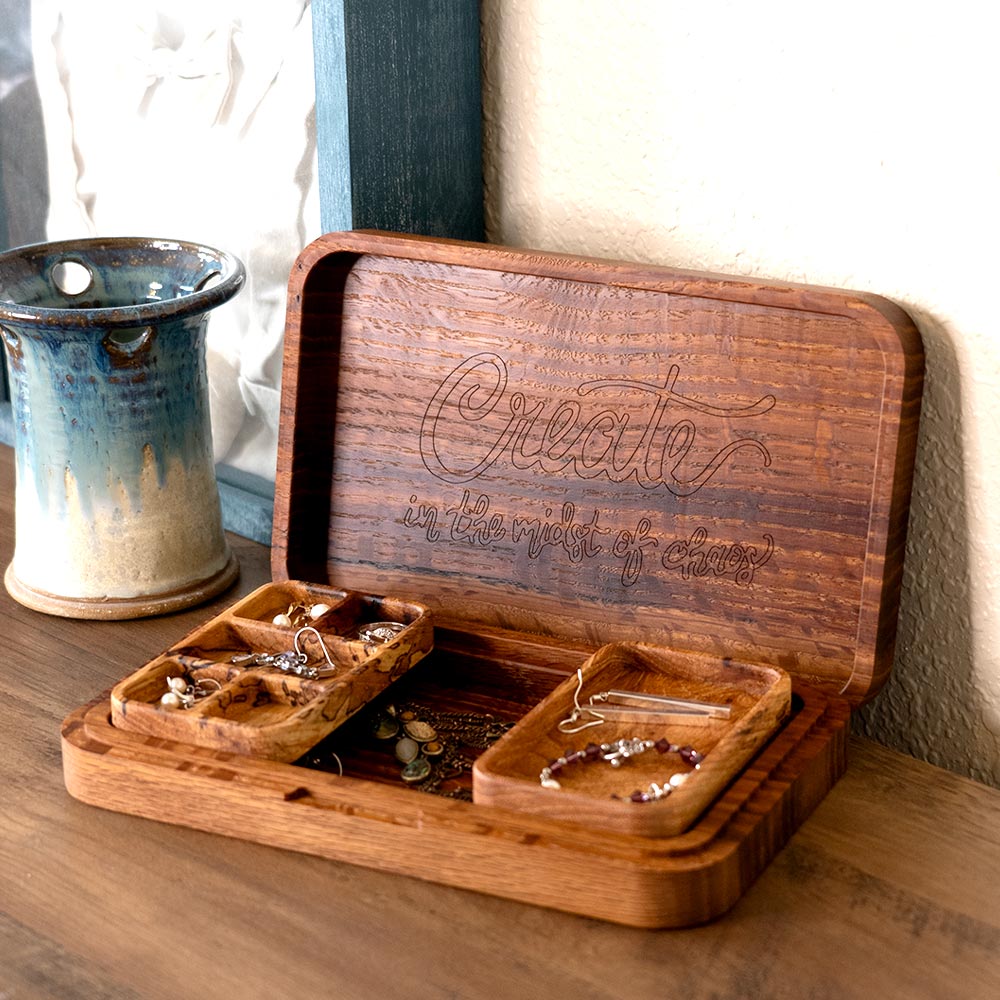
We’ve provided several answers to questions related to Large Wooden Jewelry Box CNC Plans, Downloadable and Customizable , see some other helpful Q&A related to this product.
-
Question: Can I use this plan with VCarve Desktop v11.5 and a Piranha FX? Without modifications to plans?
Answer: Dear Bill,
The projects are created on Vectric so you are okay in terms of sizing :)
Thanks,
Kevin
-
Question: Does V‑Carve Desktop work instead of V‑Carve Pro for this product?
Answer: Dear Dale,
This project will only work on Vectric VCarve Pro and up.
Thanks,
Kevin
-
Question: WILL THIS FILE WORK ON ARTCAM PRO 9.1
Answer: Our CNC operator has never used that software, but can import a .SVG or .DXF file into it, the design will work, but you will need to assign the toolpaths based on the instructions provided.
-
Question: Will this file work on Easel? I have an X-Carve machine.
Answer: Dear Raul,
Yes :)
Thanks,
Kevin
-
Question: Will this work on a Carvewright Raven cnc machine?
Answer: Dear Randy,
Yes.
Thanks,
Kevin
-
Question: Size of large Jewelry box???
Answer: Material Used -1" thick x 7.25" tall x 23" long piece of white oak (any hardwood will work) and .67"
thick x 6" tall x 12" long piece of pecan wood (any hardwood will work)
-
Question: Are your files able to be use in Carbide Create Pro?
Answer: Yes, the Large Wooden Jewelry Box CNC Plans, Downloadable and Customizable files are able to be used on Carbide Create with adjustments.